LinkedIn is the largest platform for B2B networking and building digital trust in your brand. B2B customer feedback and public recommendations create a digital footprint. In the world of business, the cost of making a mistake when choosing a business partner is high, so public validation of your qualifications by other market participants is critically important. If you fail to respond quickly to a complaint or a negative review posted on LinkedIn, your brand may face reputational risks—which is why monitoring mentions of your brand is necessary. MentionTracking allows you to join discussions in a timely manner, dealing with both positive and potential negative feedback.
Let’s start by adding our first keyword and find the most recent mentions of our brand.
First, we need to go to the Keyword Settings section and enter our brand name. Let's assume that our brand name is ‘OpenRouter’.
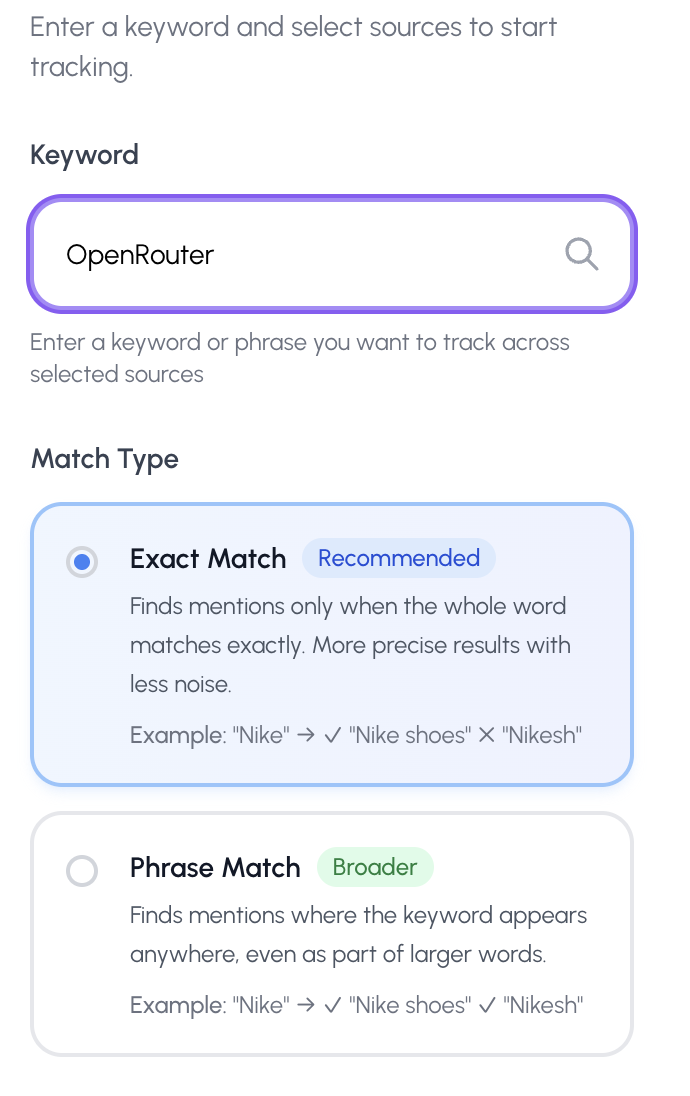
I'm selecting ‘Exact Match’ because I want to find mentions that exactly include the brand name.
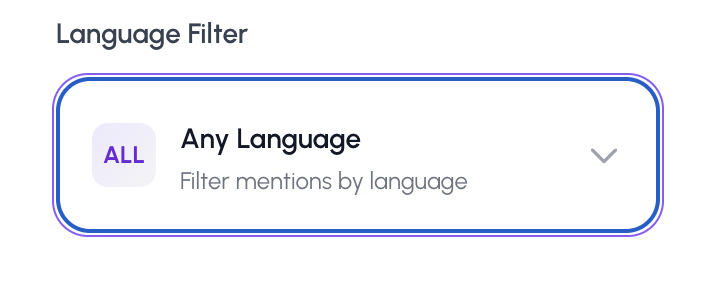
In the language selection options, I'll leave it set to ‘Any Language’ because I want to see mentions of the brand in all languages and not miss anything.
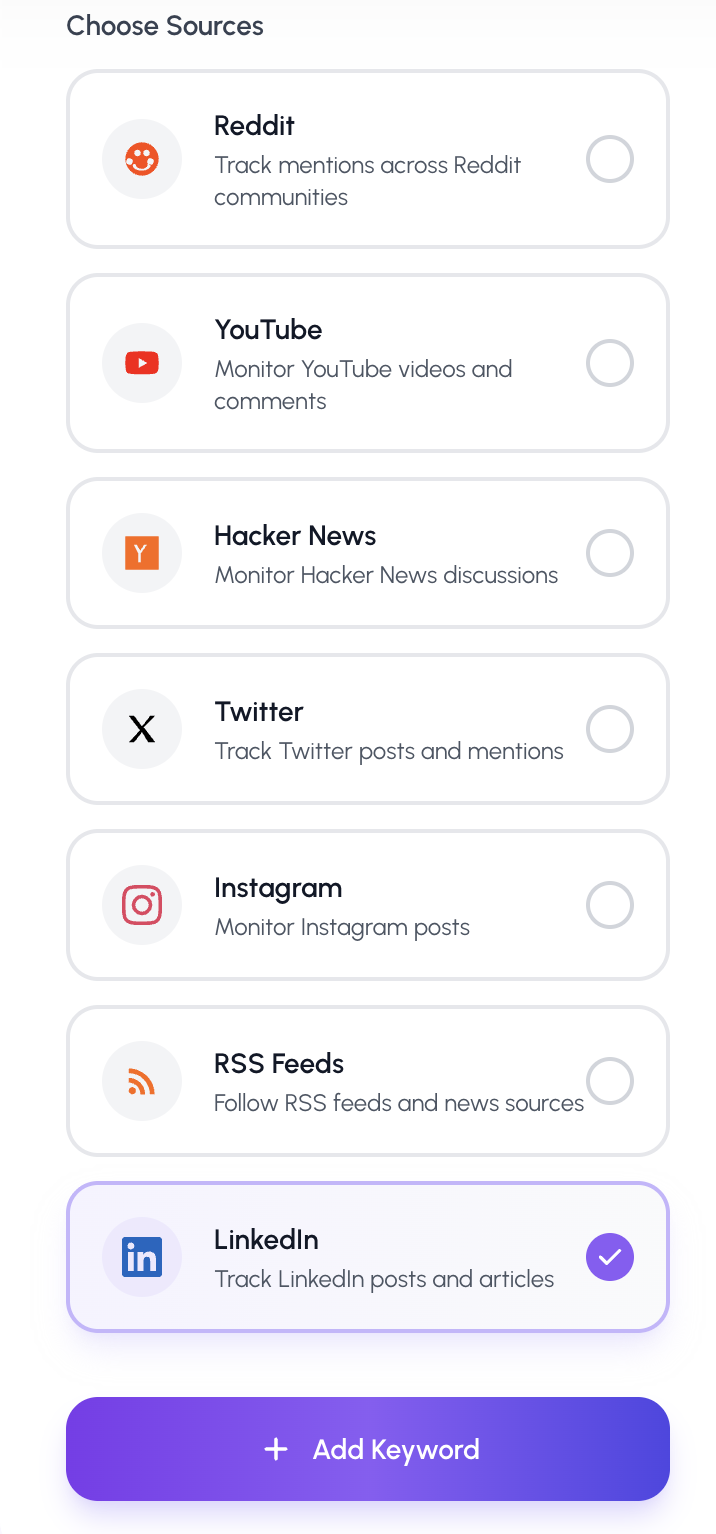
I select the LinkedIn platform in the ‘Sources’ section and click the ‘Add Keyword’ button.
Literally a minute later, I found the recent 10 mentions of the ‘OpenRouter’ brand in my mentions feed.
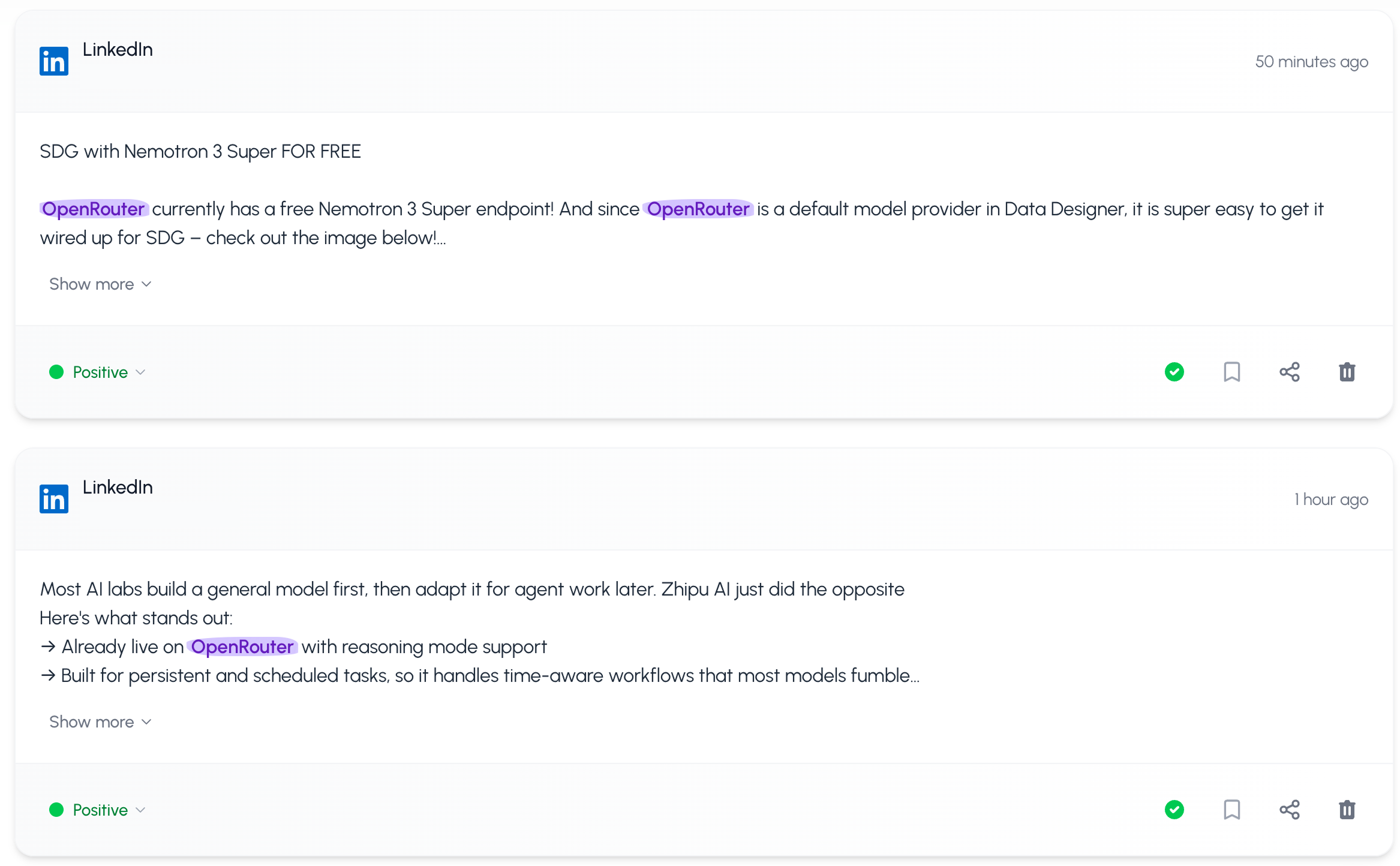
When you add a new keyword, MentionTracking searches for up to 10 recent mentions of your brand. Once your keyword has been added, new mentions are updated and added every 6 hours. This way, the tool allows you to find mentions of your keyword in a timely manner and manage your brand’s reputation.
Due to strict privacy policies, MentionTracking can't collect private or deeply personal LinkedIn data.
